
Promotional SMS
Reach opted-in customers with offers, launches and event updates using approved templates and campaign reporting.


Bulk SMS
Send promotional campaigns, service alerts and OTP SMS through registered sender and template workflows, developer-friendly APIs and delivery reporting — alongside WhatsApp, RCS and Voice in ProAds.
Work with principal-entity, registered-header and content-template requirements for Indian commercial messaging.
Run eligible promotional campaigns or automate order, payment, appointment and account notifications.
Trigger authentication and operational messages from applications, CRM, ERP or ecommerce systems.
Track available message outcomes and coordinate SMS with WhatsApp, RCS and Voice from ProAds.
Bulk SMS is the delivery of promotional, service, transactional or authentication text messages to many recipients through a business messaging dashboard or API. Standard SMS does not require the recipient to install a particular app, which makes it useful for broad text-based reach.
A typical workflow begins with an eligible audience or business event, uses the appropriate registered sender and approved content where required, submits the message through ProAds, and records the available delivery outcome for reporting or follow-up.
Read the Complete Bulk SMS Guide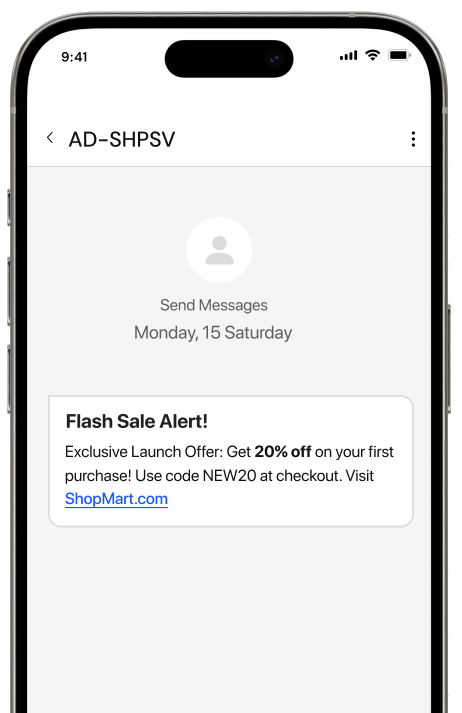
Define whether the message is promotional, service-related, transactional or authentication-based.
Match the configured header, template and identifiers required for the selected route and use case.
Launch through the dashboard or API, then distinguish request acceptance from later delivery statuses.
SMS SOLUTIONS
Use the right route for the right outcome — campaigns, alerts, authentication and API-triggered messaging.
Reach opted-in customers with offers, launches and event updates using approved templates and campaign reporting.
Send operational updates and transaction-related notifications using the category that matches the actual message purpose and registered setup.
Trigger one-time passwords and authentication messages through API workflows with delivery status tracking.
Organize registered headers and content templates alongside the entity details needed for your India messaging setup.
Launch high-volume campaigns from the dashboard or automate messaging from your own business systems.
Connect SMS to your app, website or CRM through REST APIs and delivery-report webhooks.
AUTOMATE THE MOMENTS THAT MATTER
Connect business events to the messages customers need. Trigger verification codes, order updates and appointment reminders from your application instead of preparing every send manually.
Keep credentials on your backend, map the correct sender and template, and store the message reference returned by your provider. Use delivery reports to track later outcomes separately from the original request.
Explore SMS API integration →Integration fields, throughput, delivery states and retry behaviour depend on the configured service. Confirm them during your ProAds walkthrough; this is an illustrative workflow, not API documentation.
ILLUSTRATIVE MESSAGE JOURNEY
A customer requests a code or a business event occurs.
Your backend submits the recipient and configured message details.
The request is validated and submitted for a delivery attempt.
Record available delivery reports against the original business event.
Accepted is not the same as delivered. Delivered is not proof that a customer read a message or completed verification.
Understand the API and gateway layers →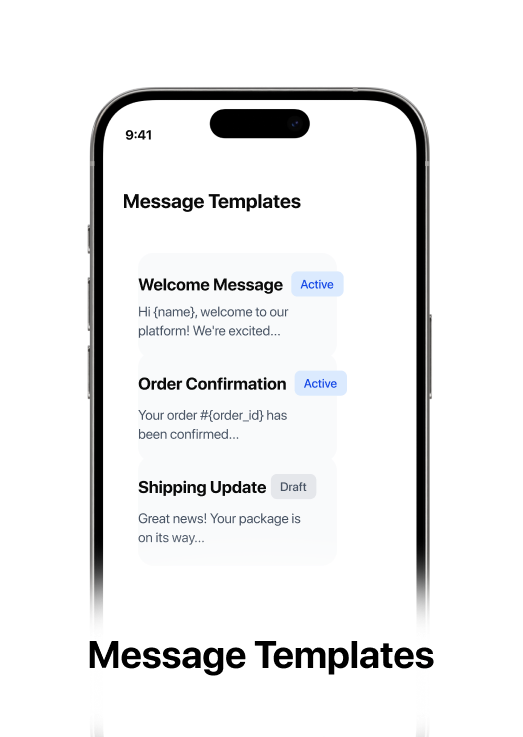
Indian commercial messaging uses registered business, sender and content information to improve traceability and control unsolicited communication. The exact process depends on the current telecom and regulatory workflow, so businesses should verify requirements before launching traffic.
Complete the applicable principal-entity or business registration on the relevant telecom platform.
Use sender identities or headers appropriate for the business and the intended category of communication.
Keep live message content and variables aligned with the approved template and its actual purpose.
Map the approved identifiers in ProAds and test a controlled message before increasing volume.
Registration is only part of the process. Check customer consent and preferences, the permitted message purpose and any current sending-chain requirements before launch. Refer to TRAI’s advice to senders and the TCCCPR framework.
FROM A BUSINESS EVENT TO A USEFUL MESSAGE
Choose a workflow, not just a contact list. Decide why a message is needed, who should receive it and which outcome your team will monitor.
Send an order confirmation, dispatch alert or delivery update when that event occurs in your system. Match the order reference and tracking destination before submitting the message, and record delivery status against the order.
Keep the update focused on the existing purchase. Adding a new offer may change the message category.
Plan offers, product launches and store announcements for an eligible audience. Review customer consent and preferences, use the correct template, and measure qualified responses separately from the number of messages sent.
A purchase history or an uploaded phone number is not a blanket permission for every marketing campaign.
Notify the intended recipient about a scheduled session, appointment or fee due date. Trigger reminders from an up-to-date record so rescheduled or cancelled events do not create confusing follow-ups.
Confirm the recipient, date and time. Include only information needed for the reminder.
Trigger an OTP when a user requests a verification action. The application must manage code generation, expiry, attempt limits and one-time use. SMS delivery and successful verification should be measured separately.
This illustrates message content, not a complete authentication system or a guarantee of identity.
Examples are illustrative, not registered or pre-approved sending templates. Final content, recipient eligibility and category must be checked for your business and route.
Register your sender and templates, compose or trigger the message, then send and review delivery outcomes from ProAds.
We help you register your brand's sender ID and templates on the DLT platform.
Compose promotional, transactional, or OTP messages in the dashboard or trigger them through the API.
Submit immediately or schedule a campaign, then review the available delivery reports. Message acceptance and handset delivery are different stages.
ProAds gives marketing, operations and engineering teams a shared place to run eligible campaigns, trigger transactional or OTP workflows, manage sender and template configurations, and review available delivery outcomes.
Create, schedule and review campaigns without requiring engineering support for every send.
Connect SMS to websites, mobile apps, CRM, ERP and ecommerce events through backend integrations.
Coordinate SMS with WhatsApp, RCS and Voice when different stages of the journey require different channels.
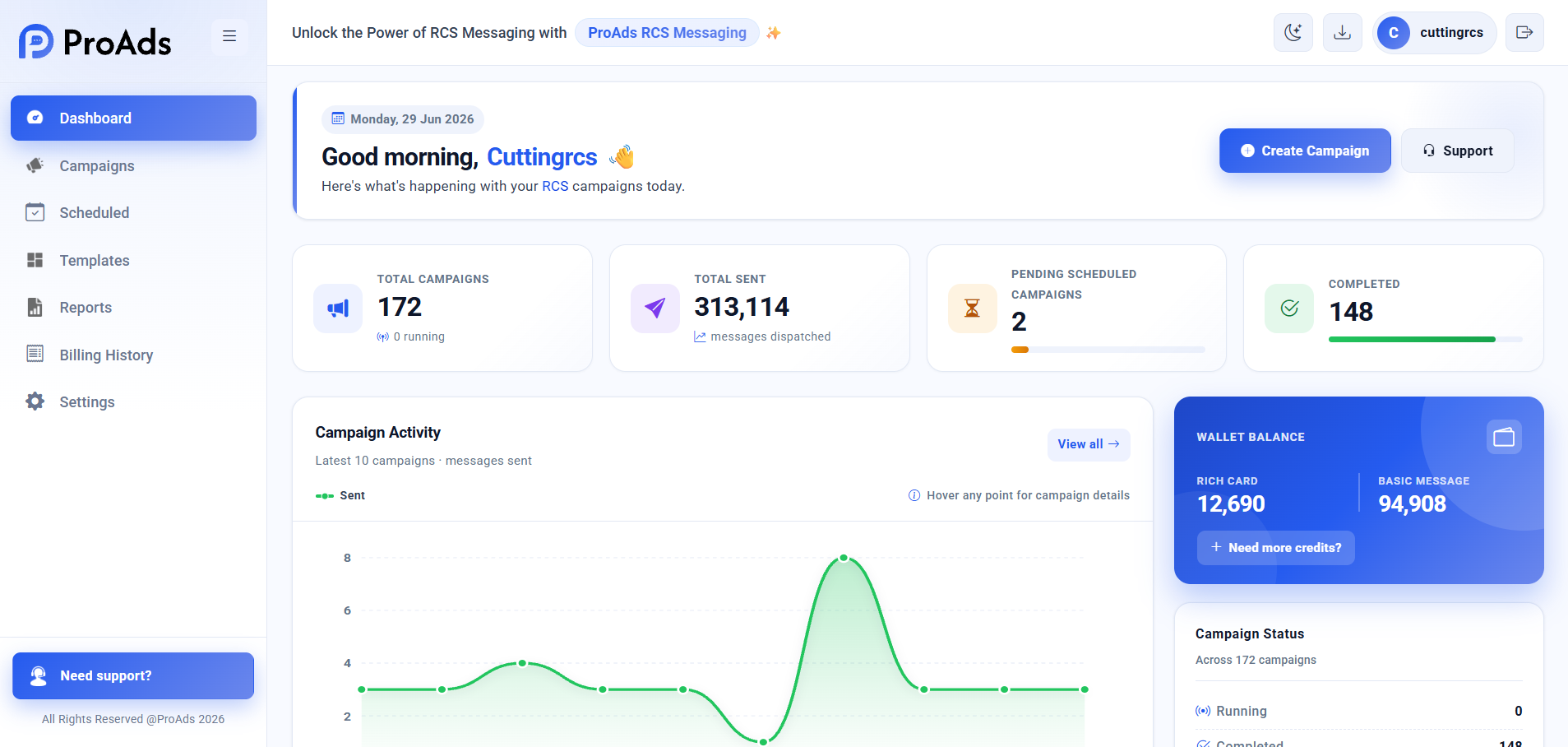
ProAds multichannel dashboard illustration. Ask for an SMS-specific walkthrough to confirm the reports, fields and workflows available for your account. Figures shown in the image are not delivery or performance guarantees.
BULK SMS PRICING
Your SMS cost depends on the destination, message category, billable segments, volume and commercial terms. Compare the complete setup—not just an advertised price per message.
Long messages and non-GSM characters can change segment counts. Confirm the count for your final message and the billing rules in your quote.
Request Bulk SMS PricingRead the pricing guide →Use your own quoted rate. This calculator is not a ProAds quote and does not submit any information.
Messages to send
Segments per message
Your quoted ₹ per segment
Other quoted charges in ₹
Enter a quoted rate to calculate an estimate.
Formula: messages × segments × rate + other entered charges. Estimate excludes tax, unentered charges and extra retries. Calculate different message lengths or destinations separately.
Technical background: how SMS encoding and multipart segments work. This reference explains the transport format; it is not a ProAds tariff or a promise of identical provider billing.
CHANNEL CHOICE
SMS is strongest when reach and immediacy matter more than rich-media interaction. Use it for OTPs, critical alerts, reminders and broad customer reach.
Best for OTPs, alerts, reminders and mass reach. No app or mobile data connection is required.
Best for rich two-way conversations, support, commerce, media and automated customer journeys.
Best for branded rich messaging with cards, carousels and suggested actions inside supported messaging apps.
Best for urgent or interactive calls where customers should hear a message and respond by voice or keypad.
THE BULK SMS RESOURCE LIBRARY
Use these guides to plan your setup, compare options and prepare better questions for your SMS provider.
Understand message types and plan the first launch.
Connect software, sender identities and verification flows.
Evaluate the sending model and the wider customer journey.
BEFORE YOU GET STARTED
Use campaign or API workflows for eligible promotions, operational notifications and OTP delivery. The sender, template, recipient eligibility and service configuration must match the actual use case.
Plan the applicable principal-entity registration, registered header and content template, along with consent, customer preferences and the required sending-chain configuration. Approval of a header or template does not by itself permit every campaign. Check the current TRAI and telecom-platform requirements.
No. Transactional is not a universal label for all non-marketing messages. Order updates and different OTP uses may fall under service or other applicable categories. Classify the message by its purpose and current requirements, not simply by the term used in an application.
There is no fixed rate quoted on this page. Ask for pricing based on your message categories, destinations, billable segments, volume and required services. Confirm taxes, setup or platform charges, credit validity and the charging rules for failures and retries.
ProAds offers SMS API workflows. Your integration should run on a trusted backend, supply the configured message details and record request and delivery outcomes. Confirm the specific API fields, available status callbacks and throughput before implementation.
No. An accepted request means it has entered processing. Later delivery depends on validation, the sending route, network conditions and recipient availability. A delivery report is also not proof that the message was read or that verification succeeded.
Standard SMS does not require the recipient to install a specific app or have mobile data enabled. The handset still needs a working SMS service and network availability. Opening an internet link included in a message requires connectivity.
ProAds offers these channels within its communication platform. Plan each channel around the customer task and its eligibility rules. A fallback to SMS should be deliberately configured; a failed message on another channel is not automatic permission to send it by SMS.
Need a setup review? Talk to ProAds about your message flow.
Verified two-way conversations with buttons, media, chatbots, and CRM integration.
Explore the API →
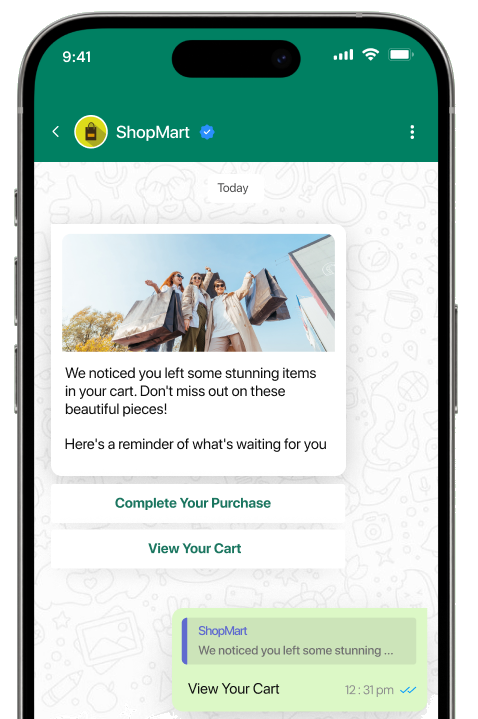
Send one approved campaign to thousands of opted-in contacts with personalization and scheduling.
Explore Bulk WhatsApp →
Branded, rich conversations with cards, carousels, and suggested replies in the Android Messages app.
Explore RCS →
Tell us your message types, monthly volume and integration needs. Get an SMS walkthrough and a quote that explains the sending, setup and support costs.